

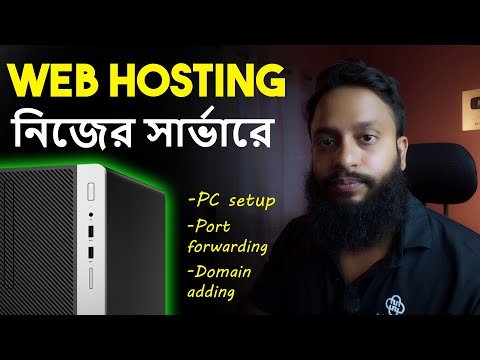
Make Your Own Web Hosting Server at Home & Access Worldwide – Full Guide In Bangla! In this video, I’ll show you step-by-step how to turn your desktop PC into a fully functional web hosting server using Ubuntu Server and Apache2! Host your own website from home and make it accessible worldwide — all under your control. #webhosting #mehedishakeel #homeserver
What You’ll Learn:
– Install Ubuntu Server on a desktop PC
– Set up Apache2 web server to host websites
– Access your server remotely via SSH
– Configure port forwarding on your router
– Access your server via public IP
– Point a custom domain name to your public IP
Why Host Your Own Website?
– Full control over your server and data
– No monthly hosting fees
– Learn Linux server skills
– Perfect for personal projects and testing
Disclaimer: Hosting from home may require a static IP or dynamic DNS, and secure configurations (firewalls, SSH keys, updates) are essential when exposing servers online.
🔴 Visit Our Website For Courses!
🔗 Website : https://mehedishakeel.com
🔗 Cybersecurity & Ethical Hacking ( Masterclass ) : https://tinyurl.com/hacking-masterclass
🔴 Do Subscribe To Our YT Channels!
🔗 Mehedi Shakeel: https://tinyurl.com/submehedishakeel
🔗 SSTec Tutorials: https://tinyurl.com/subsstectutorials
🔴 Social Media Links & More
🔗 Telegram : https://t.me/mehedishakeel
🔗 Facebook : https://www.facebook.com/mehedishakeel/
🔗 Instagram : https://www.instagram.com/mehedishakeel/
🔗 Linkedin : https://www.linkedin.com/in/mehedishakeel/
🔗 Twitter : https://twitter.com/mehedishakeel
🔗 GitHub : https://github.com/mehedishakeel
🔗 Udemy : https://udemy.com/user/mehedishakeel
If you have any questions or suggestions feel free to post them in the comments section.
Thank You!